Tag Archives: social media

Tips on Tuesday

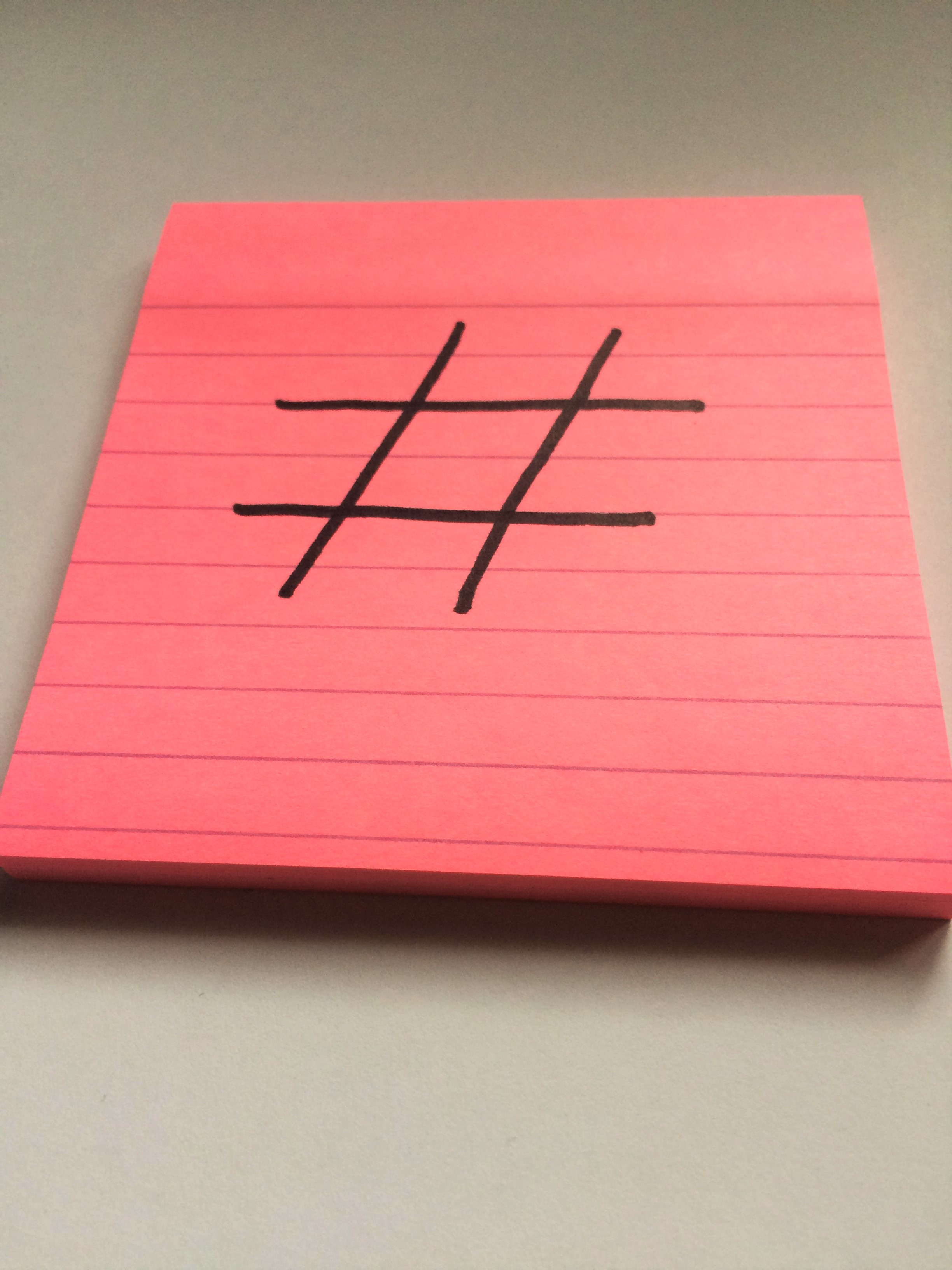
Today’s tip focuses on this little chap.  The hashtag.
Hashtag Aire Media Image

Let’s face it, before Twitter what on earth was this character for?!  Now however, the hashtag is a useful tool – you can use a variety of hashtags to get your tweets noticed.  You can either create your own or simply find out what is trending and utilise current popular talking points to get what you want to say out there.

A word of warning though.  #Don’t #over #use #the #hashtag.  #It #can #get #really #irritating.  See what I mean? 

See you soon for more snippets of social media advice!

Tips on Tuesday

Today’s bite size chunk of advice concentrates on Instagram.

InstagramLogo

Instragram made its name as an image sharing platform, but remember you can use text as well.

Don’t be afraid to use detailed description alongside excellent images.   A well written description can really put an image into context and capture someone’s imagination.  And always, always make sure your website address is visible!

Remember, half the battle on social media is getting seen!

See you next time!  In the meantime, why not browse back through our previous tips and find out what might work for you?

Tips on Tuesday

Welcome to the first Tip on Tuesday of 2016!

FacebookLogoOur first tip is short and sweet and focuses on Facebook and is simply this; if at all possible, post directly to Facebook rather than using a social media management tool.  Facebook algorithms are created to favour content posted personally, meaning you have a greater chance of your content appearing in people’s timelines.

Our Tips on Tuesday section is really about helping you – so let us know what you would like advice on and we will make sure you’re featured!

Rumours of an increase to Twitter character limits

Hot on the heels of Twitter implementing their new “Moments” feature, which you can read about here, there is a story growing that Twitter plan to increase their character limit from 140 to 10000, which is the same character limit their direct message feature uses, Re/Code have reported.

TwitterCharacters

I don’t think anyone can be unfamiliar with this sight – you’re composing the perfect tweet, when suddenly the red numbers light up and you have to chop down your message whilst still retaining some vestige of grammar.  It cannot be denied that at times the 140 character limit can be challenging, but it also makes for dynamic messages.

There is no official release date for this project, which it has been reported as being named “Beyond 140” inside the company, but it is thought that the changes, should they go ahead, will be implemented in the first quarter of 2016.

Whether this comes to fruition or not, it is certainly something that will result in furious discussion amongst Twitter uses.

So, your thoughts?  How would this new feature affect your usage of Twitter?  Let us know!


Tips on Tuesday

For today’s tip – our very last of 2015 – we would like to discuss Twitter.

Don’t make the mistake of only tweeting during “work hours”.  Make sure you regularly update your feed both in the evening and at weekends.  If this isn’t physically possible for you to do, there are a number of packages available that enable you to schedule tweets to appear at different times.

clockpicblog

Don’t miss a potential audience when you can tap into that group with a little organisation!

We will be back in 2016 with a whole new series of tips.  Until then, enjoy the festive season and Merry Christmas!

Jurassic Coast Holiday Home Management

The Cedar House

We were contacted by Jurassic Coast Holiday Home Management at the advent of their online career.  They had made a great website themselves using a free service, but wanted our advice on streamlining that website, ensuring they met Search Engine Optimisation best practice and creating a thriving presence on social media.

We are delighted to announce that after an initial consultation, we have created a partnership and are really excited to be working with Jurassic Coast Holiday Home Management.

If you’d like to find out a little more about what they do, please visit their website.

Tips on Tuesday

Today’s tip is our handy guide to social media image sizes to help you create the perfect profile.

FacebookLogo TwitterLogo GooglePlusLogo LinkedInLogo PinterestLogo InstagramLogo YoutubeLogo

Facebook

  • cover photo: 851 x 315
  • profile photo: 180 x 180

Twitter

  • header image: 1500 x 500
  • profile image: 400 x 400

Google+

  • cover photo: 2120 x 1192
  • profile photo: 270 x 270

LinkedIn

  • cover photo: 646 x 220
  • profile photo: 100 x 60

Pinterest

  • profile photo: 160 x 165

Instagram

  • profile photo: 110 x 110

YouTube

  • cover art: 2560 x 1440
  • cover art safe area: 1546 x 423

Tips on Tuesday

Today’s tip is about the most important thing for you when running a business – efficiency.

One of the most underutilized functions on Twitter is the ability to create Twitter Lists.  The lists allow you to organise and view the content most important to you, which then appears in a separate feed.  So for example you could have Twitter Lists for customers, potential customers, other accounts in the profession you interact with, professional advisers, etc.

The benefit of a Twitter List is you know who you’re engaging with, and have less content to sort through to make relevant contact and conversation.  This is where the efficiency part comes in – less time sorting through feeds means more time spent on meaningful interaction.

Create a list by clicking on the cog icon on your Twitter profile, and hitting the “Create List” button.  Give your list an identifying name and choose whether you want it to be private or public.  Then simply search for people you want to add to your list and insert them via the cog icon at the top of their profile.

You can also use public lists to discover useful contacts.  You can find public lists through anyone’s Twitter profile.  And remember, you don’t need to follow someone to utilise their public lists.

Happy organising!

Amazon Natural Fitness

LogoFullWhite

Amazon Natural Fitness contacted us to help them out with their social media.  Phil and Anna who run the gym both have other jobs and they found they simply couldn’t afford the time to make use of social media and digital marketing to increase their membership numbers.

That’s where we’ve stepped in.   As part of our agreement with Amazon we’re handling their social media presence, improving their online brand and dealing with search engine optimisation on their website.  We are dedicating several hours per week to making use of free social media advertising to help increase awareness of Amazon Natural Fitness in the local area.

We’re really pleased to be working with a local business and tailoring our social media packages to exactly meet their requirements.  It is really important to us that we work with all the staff at Amazon – and we encourage them to be active on the brand social media accounts too!

You can visit Amazon’s excellent website here.  Amazon are also on Facebook, Twitter and a newly launched Instagram account!  Have a look around and keep your eyes out for increased content through all platforms as we work with the talented owners of Amazon!

Tips on Tuesday

Good afternoon everyone, you’re just in time to see this week’s Tip on Tuesday.

Today’s tip is in response to a saga I have been watching unfold on social media.  The tip does, in part, refer to a previous tip which you read here about the important of customer service.

Our tip is in fact very short.  Do NOT delete negative messages on your social media profiles.  That will create such a bad feeling about your brand.  Rather than delete; respond, apologise and ask what you can do to put things right.   Every business in the world will receive bad feedback at some point.  It is how you deal with that feedback that counts.

See you same time next week!